Instagram Video Downloader (Save IG Videos in HD MP4)

Paste a link above and the video, photo, or MP3 audio will show up right here.
Save Instagram content in full original HD quality and 320kbps MP3 audio with zero latency.

Download Faster with @Igfoxbot
Send any Instagram link directly to our Telegram Bot for instant direct video and MP3 downloads without opening a browser.
- ⚡ Zero Ads & In-Chat Speed — Direct media stream inside Telegram
- ⭐ Telegram Stars VIP — Unlock 2GB large file sizes & batch downloads
- 📱 Native Cross-Platform — Works on iOS, Android, and Telegram Desktop
How to Download Instagram Media in 3 Easy Steps
Save Instagram videos, photos, and MP3 audio in seconds
 1
1
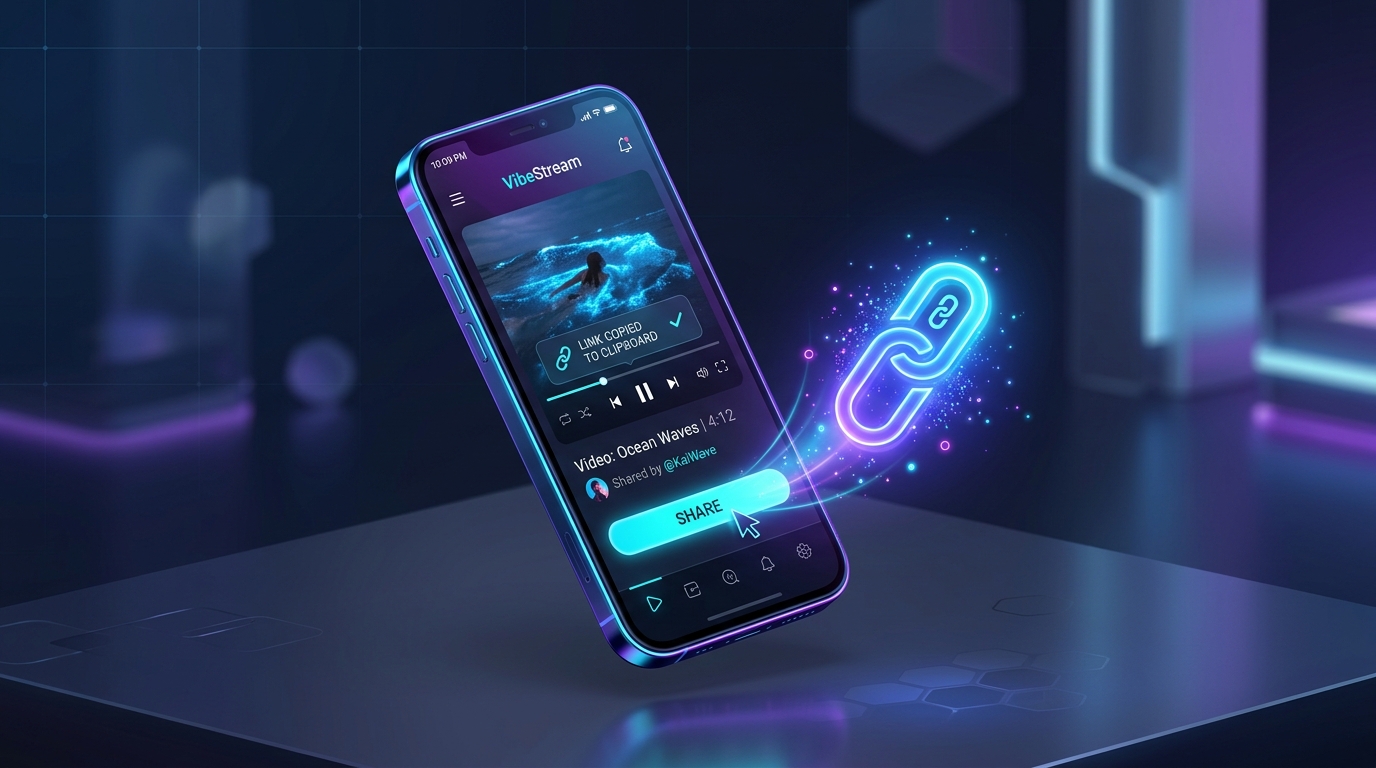
Step 1: Copy Link
Open the Instagram app or browser, tap Share, and copy the link of the video or post you want to save.
 2
2
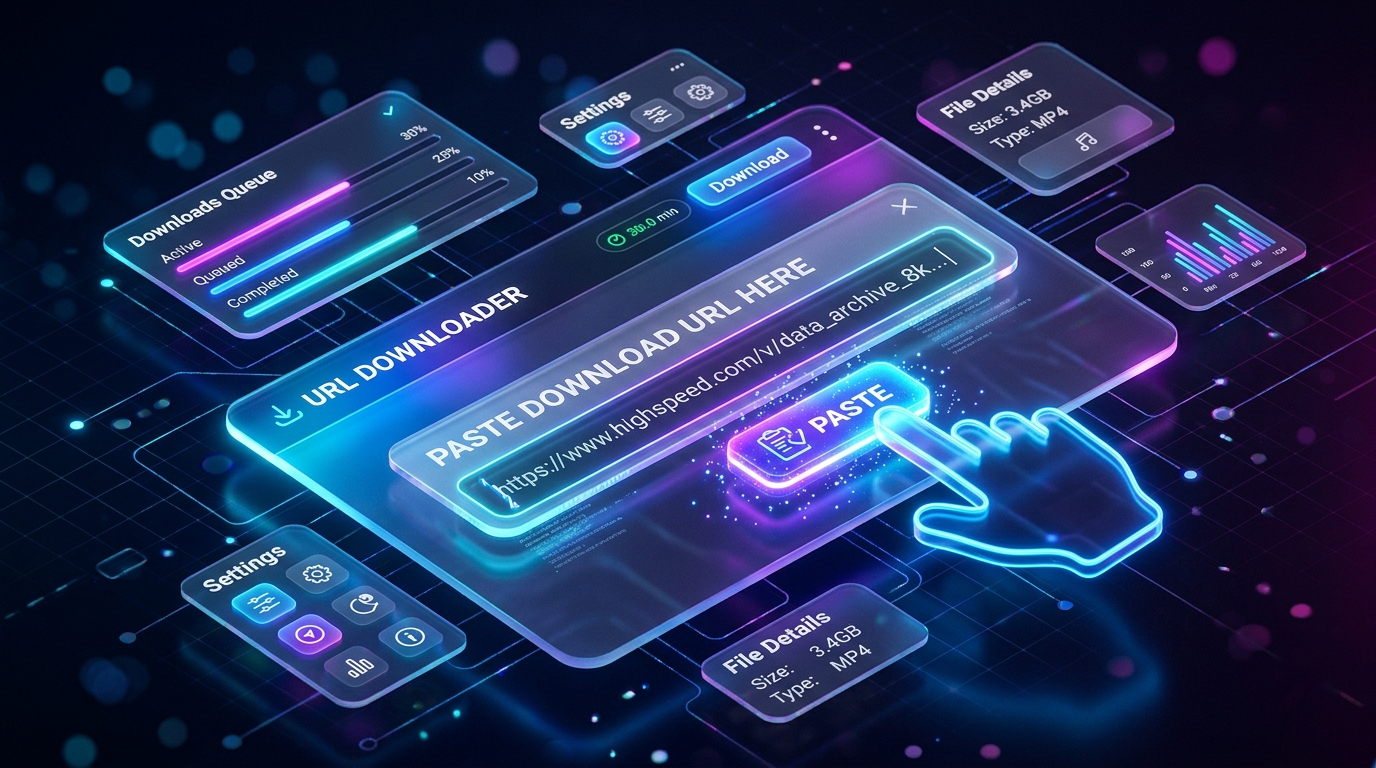
Step 2: Paste URL
Paste the link into the download bar above or tap the Paste button for instant parsing.
 3
3
Step 3: Download HD or MP3
Click Download to save your 1080p Full HD video, 320kbps MP3 audio, or full carousel album instantly.
How to Download on Your Device
Step-by-step instructions for iPhone, Android, and Desktop PC / Mac
🍏 Downloading on iPhone & iPad (iOS Safari)
- Copy Link: Open the Instagram app on your iPhone. Tap the Share button and tap Copy Link.
- Paste in Safari: Launch Safari, navigate to igfox.app, and paste the link into the download bar above.
- Save to Photos: Tap Download. When Safari displays the download prompt, tap Download. Open Safari Downloads to save the clean 1080p MP4 or MP3 directly to your Photos Camera Roll.
Why Choose IGFox for Instagram Downloads?
Engineered for maximum speed, security, and crystal clear quality
Universal IG Video Support
Save feed video clips, IGTV long-form videos, and Reels in universal MP4 format playable on any device.
Original Bitrate & Resolution
Pulls the highest quality source stream directly from Instagram's content delivery networks.
One-Click Browser Downloads
Works directly in your web browser without installing third-party browser extensions or suspicious software.
Stateless Privacy Guarantee
No viewing history or downloaded media is stored on our servers. Your activity remains 100% private.
Frequently Asked Questions
Questions about downloading Instagram content
What video formats are supported by IGFox?⌄
IGFox delivers all Instagram videos in universal H.264 MP4 format with AAC audio, compatible with all mobile phones, tablets, smart TVs, and desktop video players.
How do I download Instagram videos by link?⌄
Simply copy the video URL from Instagram, paste it into the IGFox input bar above, and click Download.
Does IGFox require logging in to my Instagram account?⌄
No! IGFox is completely login-free. We never ask for your Instagram username, password, or account permissions.