How to Download Instagram Reels in 1080p Full HD
Learn how to download Instagram Reels in 1080p Full HD without watermark to iPhone, Android, and PC in 3 easy steps. Free, fast, and no app required.
Read Full Guide →
X (formerly Twitter) is a hub for breaking news, viral commentary, sports highlights, and memes, but the platform does not provide a native button to download videos or GIFs to your local device. IGFox solves this by parsing tweet URLs and extracting high-bitrate MP4 video streams and looping animated GIFs in original HD quality.
Paste your link below to download 1080p HD video or extract 320kbps MP3 audio instantly.
Paste a link above and the video, photo, or MP3 audio will show up right here.
Follow this quick 3-step tutorial to save your media in original HD quality
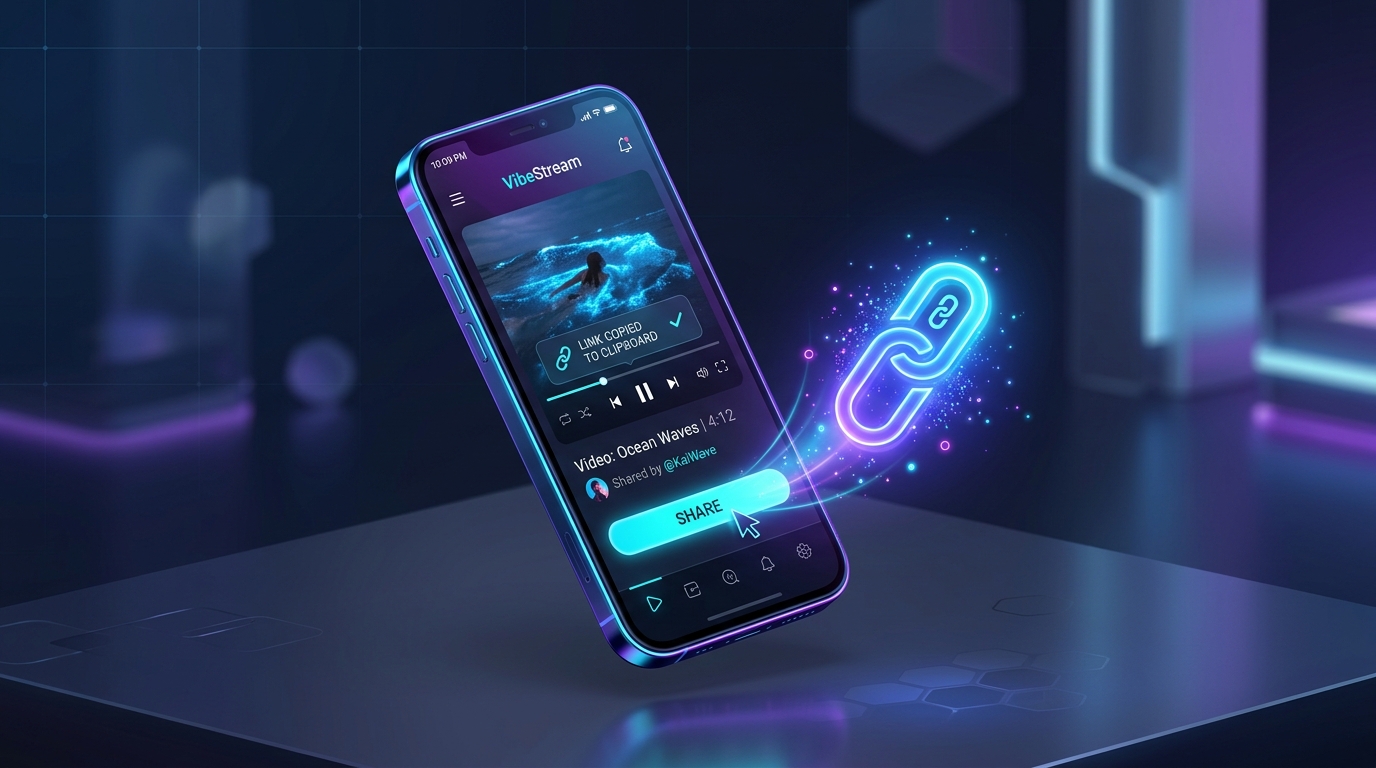
Find the tweet with the video or GIF you want to save. Tap the Share icon beneath the post and select 'Copy link to Post'.
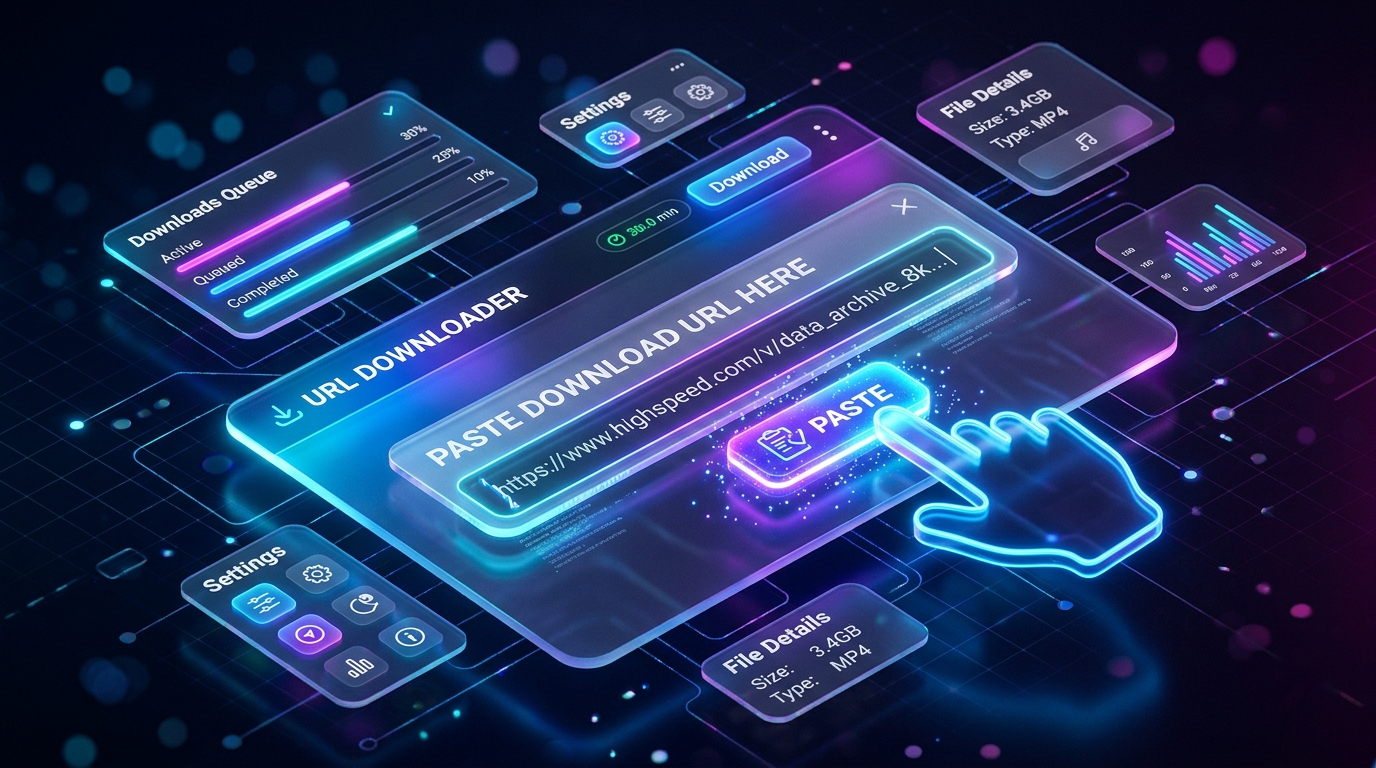
Open https://igfox.app/twitter-video-downloader/ and paste the tweet URL into the input field.
Click 'Download' and choose your preferred resolution (1080p, 720p, or 480p). For GIFs, IGFox provides a clean MP4 video loop ready for instant playback.
Built from the ground up for speed, quality, and complete privacy
Download original source resolution directly from upstream servers without blurry compression.
Clean video files with no logos, overlays, or watermarks added — ready for offline viewing or editing.
Isolate and extract background music, viral audio tracks, and voiceovers into high-bitrate MP3.
No login, no account tracking, and zero disk storage. Your download activity is never logged.
Common questions about How to Download X (Twitter) Videos and GIFs in Full HD MP4
Paste the tweet URL into IGFox in Safari, tap Download, then tap the Safari downloads icon, open the video file, tap Share, and select 'Save Video'.
Yes! Twitter stores GIFs as MP4 video files. IGFox extracts and downloads them as lightweight, universal MP4 clips.
IGFox extracts all available bitrates provided by X, ranging from 1080p Full HD down to mobile-optimized resolutions.