How to Download Instagram Reels in 1080p Full HD
Learn how to download Instagram Reels in 1080p Full HD without watermark to iPhone, Android, and PC in 3 easy steps. Free, fast, and no app required.
Read Full Guide →
When you save a video directly from the TikTok app, it embeds a moving TikTok logo and username watermark across the entire frame. If you want to repurpose your content for Instagram Reels, YouTube Shorts, or save clean videos for offline entertainment, IGFox allows you to download clean watermark-free MP4 videos in 1080p HD and isolate original background audio as MP3.
Paste your link below to download 1080p HD video or extract 320kbps MP3 audio instantly.
Paste a link above and the video, photo, or MP3 audio will show up right here.
Follow this quick 3-step tutorial to save your media in original HD quality
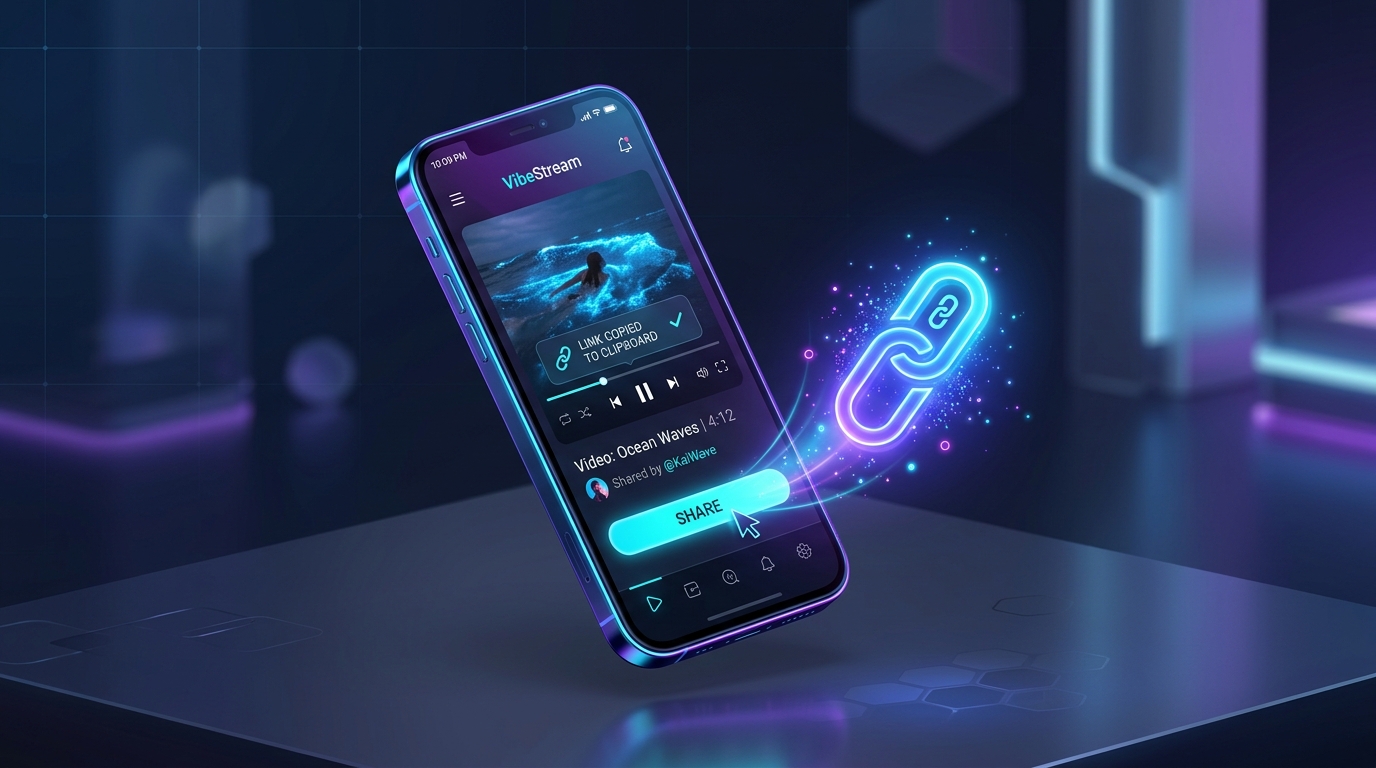
Open the TikTok app, locate the video you want to save, tap the 'Share' arrow button on the right side, and choose 'Copy link'.
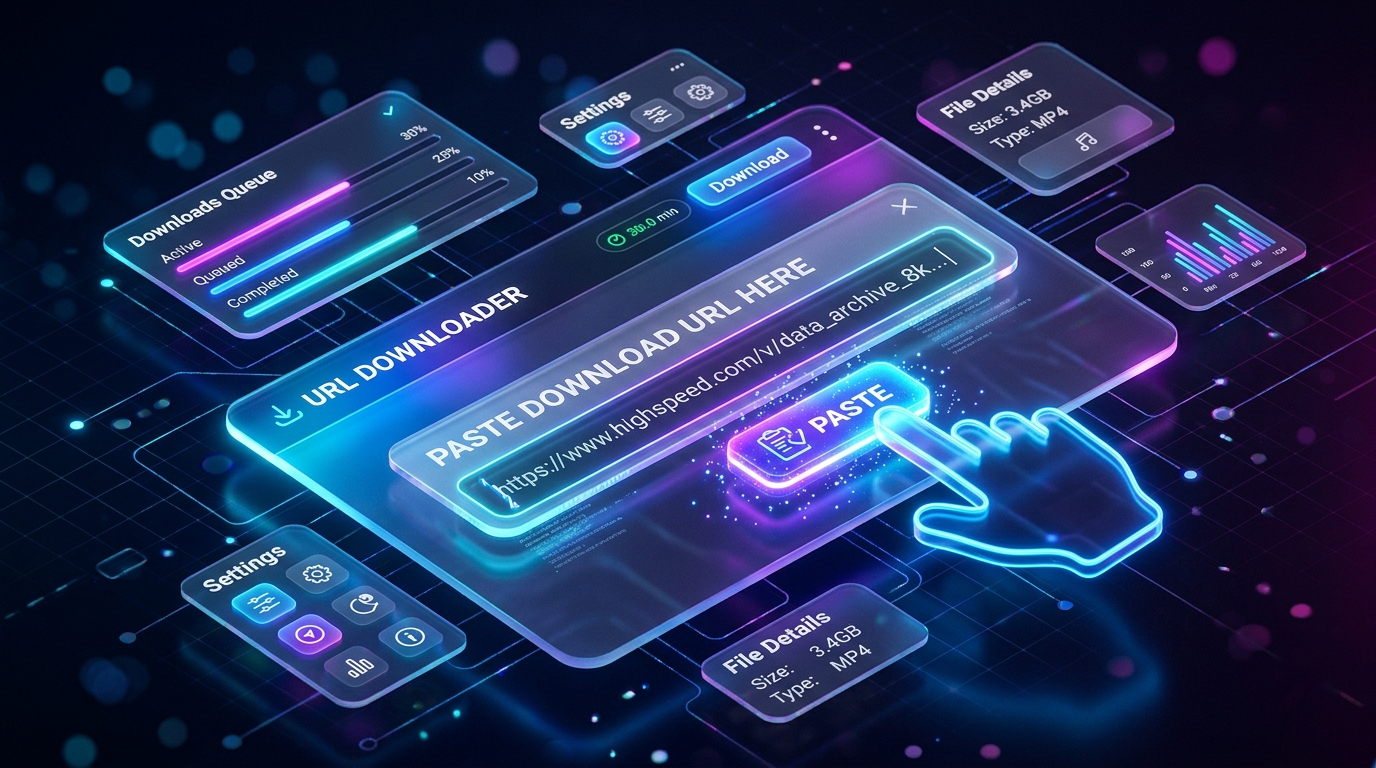
Visit https://igfox.app/tiktok-downloader/no-watermark/ and paste the URL into the search box.
Click 'Download'. Select 'Download MP4 (No Watermark)' to save the clean video, or 'Download MP3' to extract the trending background audio track.
Built from the ground up for speed, quality, and complete privacy
Download original source resolution directly from upstream servers without blurry compression.
Clean video files with no logos, overlays, or watermarks added — ready for offline viewing or editing.
Isolate and extract background music, viral audio tracks, and voiceovers into high-bitrate MP3.
No login, no account tracking, and zero disk storage. Your download activity is never logged.
Common questions about How to Download TikTok Videos Without Watermark in 1080p HD
IGFox does not blur or crop the video. Instead, our engine fetches the original unwatermarked source video directly from TikTok's CDN servers before the watermark overlay is added.
Yes! IGFox fully supports TikTok photo mode, allowing you to download all high-resolution photos and the accompanying soundtrack.
Yes, IGFox is 100% free with no limits, no sign-ups, and no software installations needed.