
How to Download Instagram Reels in 1080p HD
Learn how to download Instagram Reels in full HD without watermarks directly to your camera roll or PC.
Read Guide →
Paste a link above and the video, photo, or MP3 audio will show up right here.
Save Instagram Reels, TikTok without watermark, X videos, and 320kbps MP3 audio in full original resolution.
Download public media from Instagram, TikTok, Twitter/X, Facebook, and Threads in lossless quality
Download trending Instagram Reels, video posts, and IGTV clips in original 1080p/4K MP4 format without watermarks.
Open Reels Downloader →Watch and download active Instagram Stories and profile Highlights in complete stealth without logging in.
Open Story Viewer →Save clean, unwatermarked TikTok videos and download background soundtracks directly as high-bitrate MP3.
Open TikTok Downloader →Isolate and extract background music, viral audio tracks, and speech from any video as crystal-clear 320kbps MP3.
Open Audio Extractor →
Send any Instagram Reel, TikTok video, or X tweet directly to our Telegram Bot. Get instant direct video and MP3 downloads without opening a browser.
Save your favorite social media videos, reels, photos & MP3 tracks in seconds
 1
1
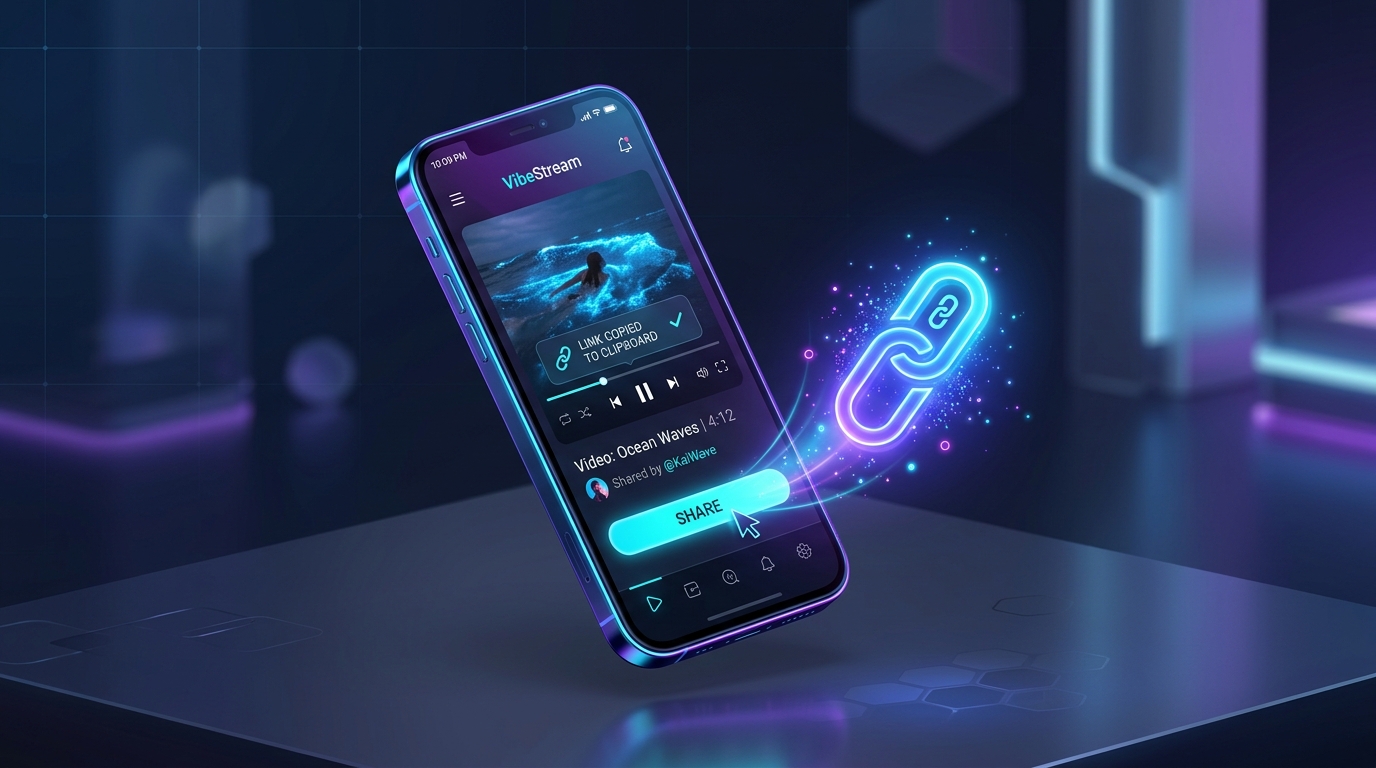
Open the Instagram, TikTok, or X app/browser, tap the Share icon on your post, and tap "Copy Link".
 2
2
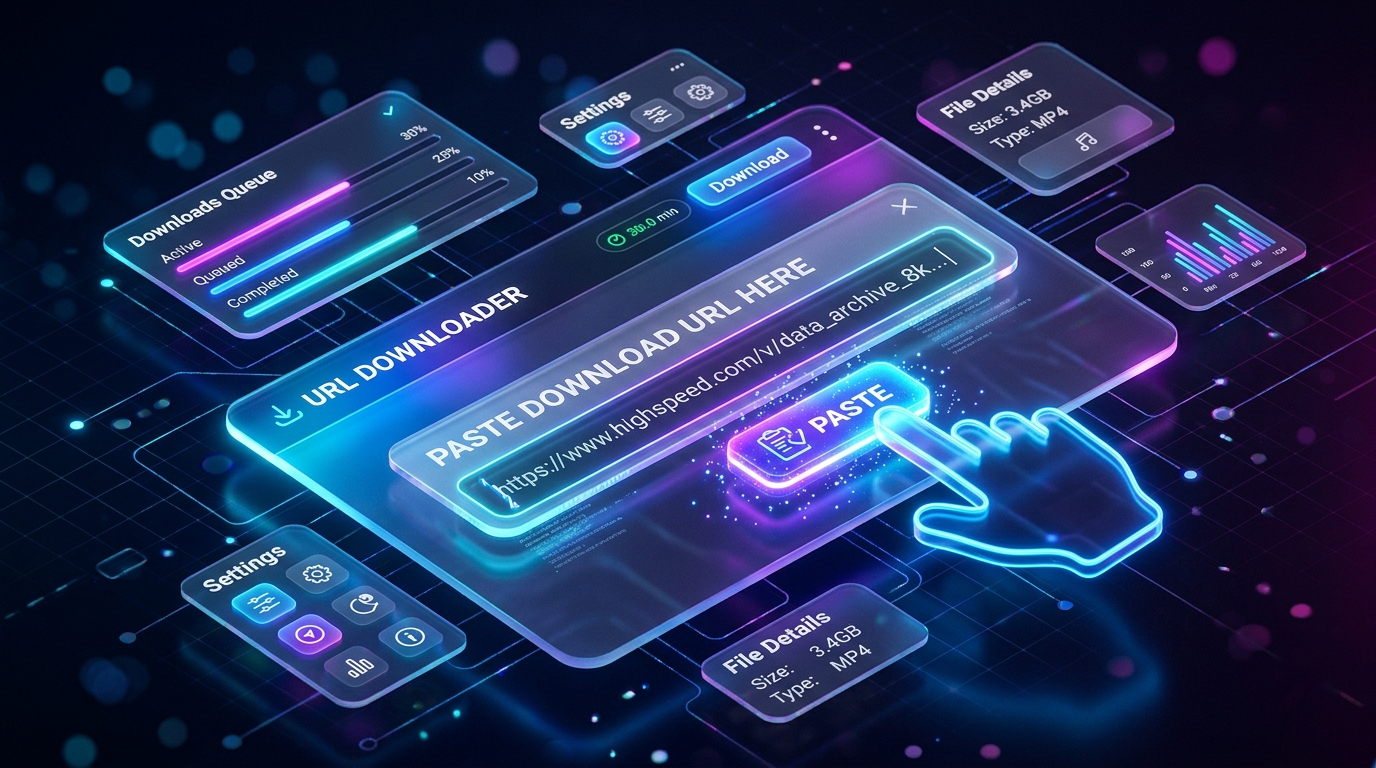
Paste the link into the download box above or tap the one-touch Paste button for immediate analysis.
 3
3
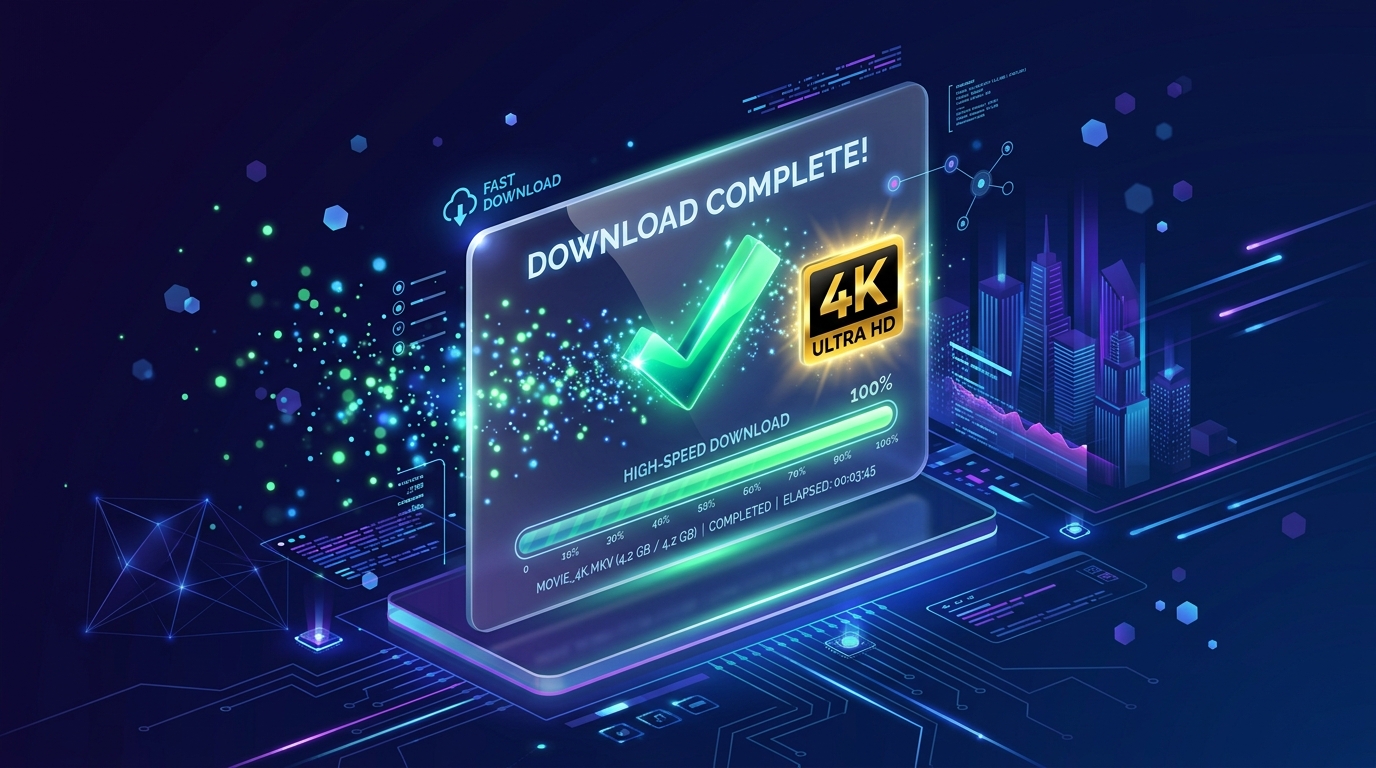
Choose your preferred format (1080p MP4 or 320kbps MP3 audio), scan QR code on mobile, or download all files as a ZIP album.
Engineered for maximum download speed, ironclad privacy, and crystal-clear original fidelity
Direct high-speed streaming from upstream content networks delivers instant sub-second downloads without server storage.
No registration, login, or credentials required. We never track your downloads, store cookies, or log personal identity.
Preserve original pixel sharpness with zero compression artifacts and extract studio-grade 320kbps MP3 soundtracks.
Fully responsive web application running seamlessly across Safari on iOS, Chrome on Android, Windows PC, and Mac.
Master downloading content across Instagram, TikTok, X (Twitter), and Facebook with our comprehensive tutorials
Learn how to download Instagram Reels in full HD without watermarks directly to your camera roll or PC.
Read Guide →
Step-by-step tutorial to download clean TikTok videos without the bouncing logo and extract MP3 audio.
Read Guide →
Easy guide to save X (Twitter) videos and animated GIFs to your iPhone Camera Roll and Android Gallery.
Read Guide →
Save public Facebook watch videos, viral clips, and stories in high resolution without third-party software.
Download FB →Everything you need to know about downloading social media videos and audio with IGFox
Yes, IGFox is 100% free to use for personal downloads. We never charge subscription fees or add our own logos or watermarks to your downloaded videos, photos, or MP3 audio tracks.
To download an Instagram Reel, open the Instagram app or website, tap the Share icon on the reel, and select "Copy link". Paste the URL into the IGFox download bar and click "Download". Select 1080p Full HD to save the clean MP4 video straight to your device.
No. The IGFox Anonymous Story Viewer operates 100% stealthily through our stateless proxy. Your personal profile is never connected, and you will never appear on the creator's "Seen by" viewer list.
Simply paste the Instagram Reel or video URL into the IGFox search bar. When the download options appear, click the "Download MP3" button. IGFox will automatically isolate the audio track and deliver a crystal-clear 320kbps MP3 file.
Copy the share link of the TikTok video from the TikTok app. Paste it into the IGFox TikTok Downloader and hit Download. IGFox fetches the clean, unwatermarked source video directly from TikTok's content delivery servers.
IGFox only downloads content from publicly accessible accounts and posts. Private posts protected by Instagram's access restrictions cannot be fetched without credentials, ensuring privacy and compliance with platform standards.
Yes! IGFox is a fully responsive web application that runs seamlessly across Safari on iOS, Chrome on Android, and all desktop browsers (Edge, Chrome, Firefox, Safari). You can also scan the QR code to transfer downloads instantly to your mobile phone.
You can use our official Telegram Bot @Igfoxbot. Simply forward or send video links directly inside Telegram for lightning-fast downloads, or upgrade to Telegram Stars VIP for massive 2GB file allowances.