How to View & Download Instagram Stories 100% Anonymously
Learn how to watch and download Instagram Stories & Highlights 100% anonymously without logging in. Keep your identity completely hidden with IGFox.
Read Full Guide →
Instagram Reels are packed with viral trends, high-energy clips, recipes, and tutorials. While the native Instagram app allows saving reels to your in-app collections, it doesn't offer a direct 1080p MP4 download to your device's camera roll without compression. With IGFox's zero-disk high-speed downloader, you can save any public Instagram Reel in original 1080p/4K resolution with crystal-clear audio in under 5 seconds.
Paste your link below to download 1080p HD video or extract 320kbps MP3 audio instantly.
Paste a link above and the video, photo, or MP3 audio will show up right here.
Follow this quick 3-step tutorial to save your media in original HD quality
Open Instagram on your iPhone, Android, or browser. Find the Reel you want to save, tap the Share icon (paper airplane), and select 'Copy link'.
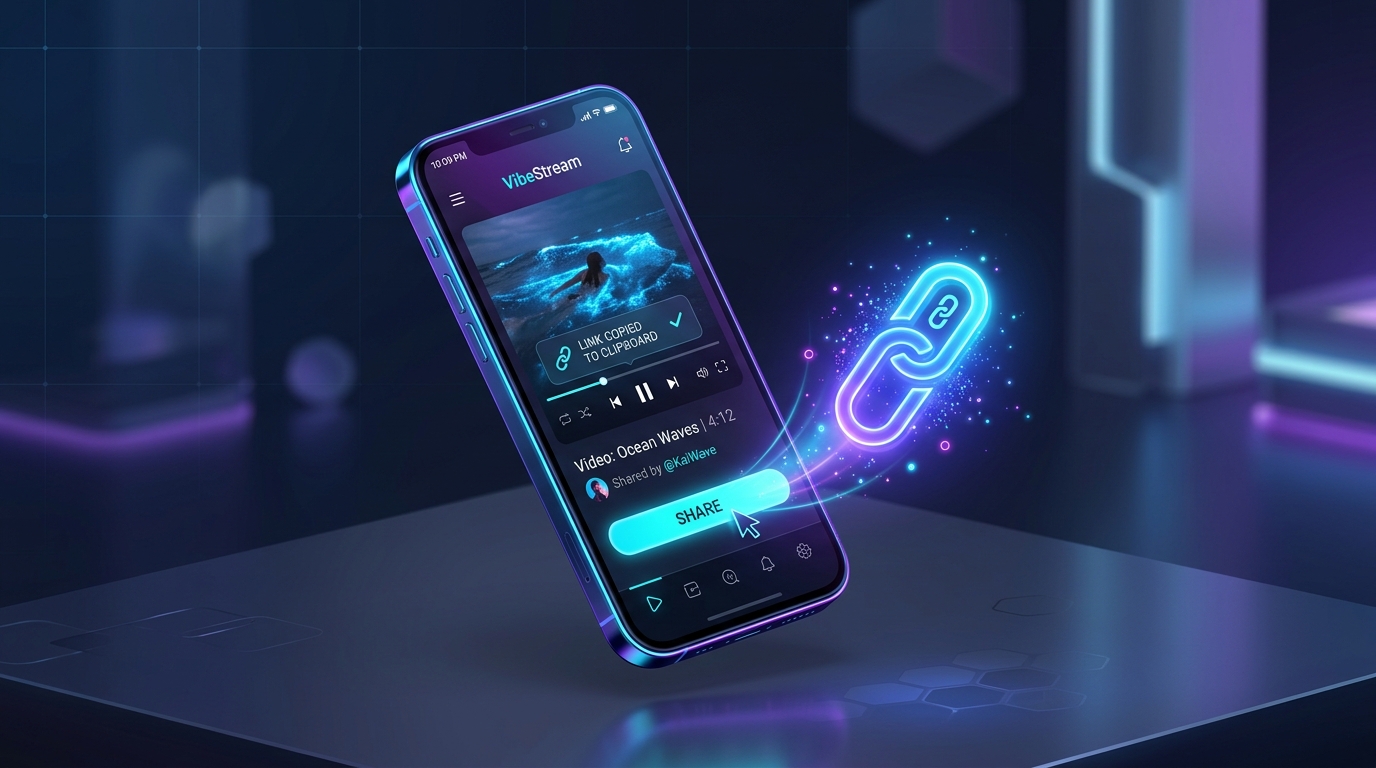
Open your web browser and go to https://igfox.app/instagram-reels-downloader/. Paste the copied URL into the input search bar at the top of the page.
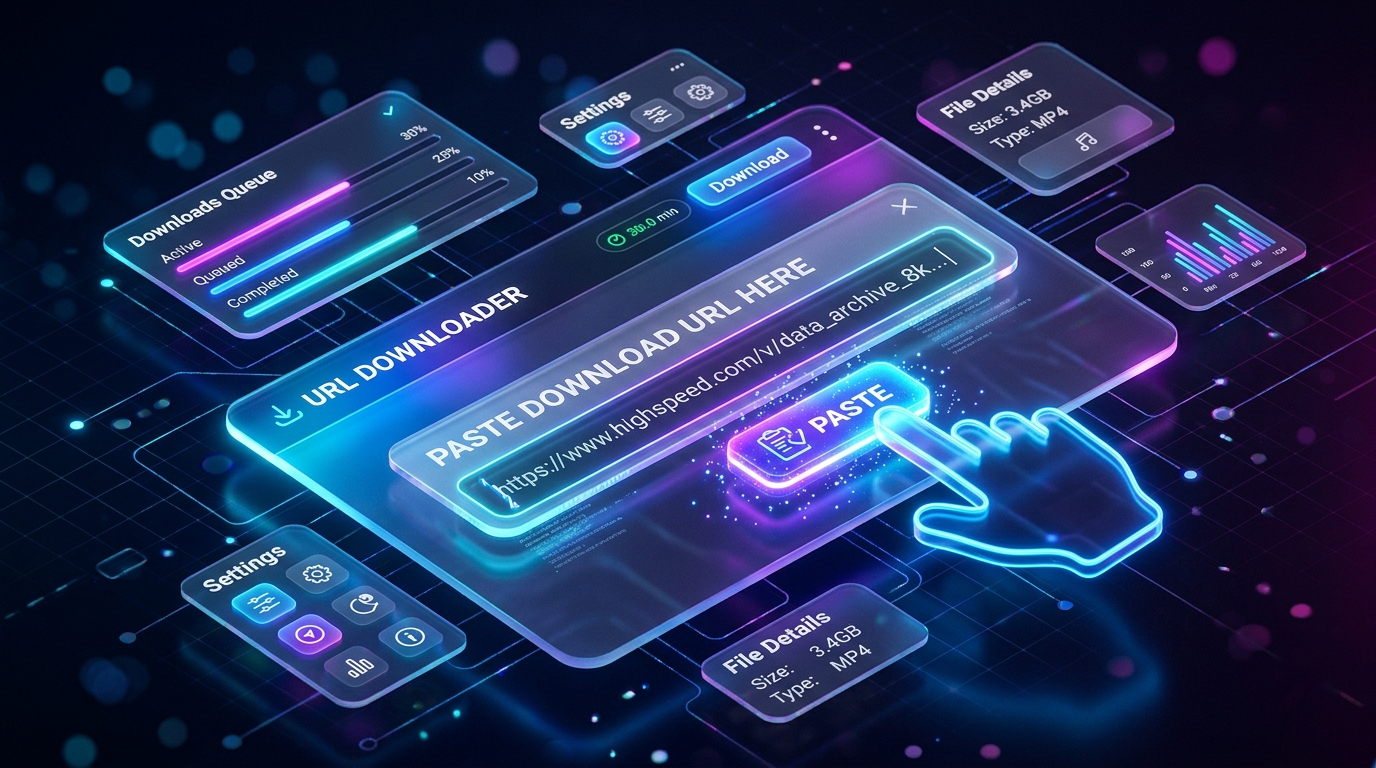
Click 'Download'. IGFox will instantly process the media link. Choose 'Download MP4 (1080p)' to save the video to your camera roll, or choose 'Download MP3' to extract the background audio.
Built from the ground up for speed, quality, and complete privacy
Download original source resolution directly from upstream servers without blurry compression.
Clean video files with no logos, overlays, or watermarks added — ready for offline viewing or editing.
Isolate and extract background music, viral audio tracks, and voiceovers into high-bitrate MP3.
No login, no account tracking, and zero disk storage. Your download activity is never logged.
Common questions about How to Download Instagram Reels in 1080p Full HD
Yes! IGFox grabs the highest quality source video directly from Instagram's content delivery servers, ensuring you get true 1080p HD without compression artifacts.
Never. All downloads are 100% clean with no watermark or logo added.
Yes, IGFox works directly in Safari, Chrome, Edge, and Firefox on any mobile phone, tablet, or desktop computer without installing any apps.
Simply click the 'Download MP3' button on the results page. IGFox will automatically extract a 320kbps MP3 audio file for you.