
Instagram Audio Downloader (Extract 320kbps MP3 Soundtracks)

Paste a link above and the video, photo, or MP3 audio will show up right here.
Save Instagram content in full original HD quality and 320kbps MP3 audio with zero latency.

Download Faster with @Igfoxbot
Send any Instagram link directly to our Telegram Bot for instant direct video and MP3 downloads without opening a browser.
- ⚡ Zero Ads & In-Chat Speed — Direct media stream inside Telegram
- ⭐ Telegram Stars VIP — Unlock 2GB large file sizes & batch downloads
- 📱 Native Cross-Platform — Works on iOS, Android, and Telegram Desktop
How to Download Instagram Media in 3 Easy Steps
Save Instagram videos, photos, and MP3 audio in seconds
 1
1
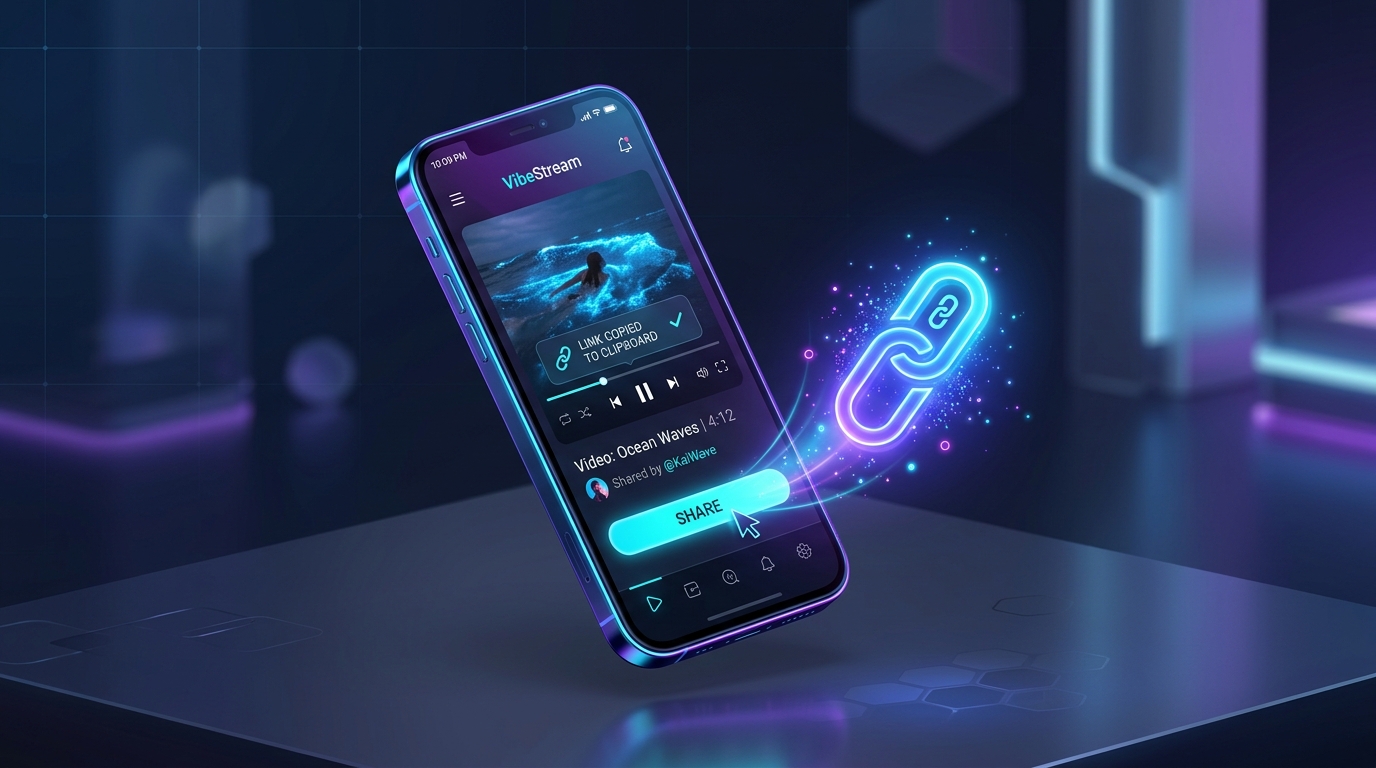
Step 1: Copy Link
Open the Instagram app or browser, tap Share, and copy the link of the video or post you want to save.
 2
2
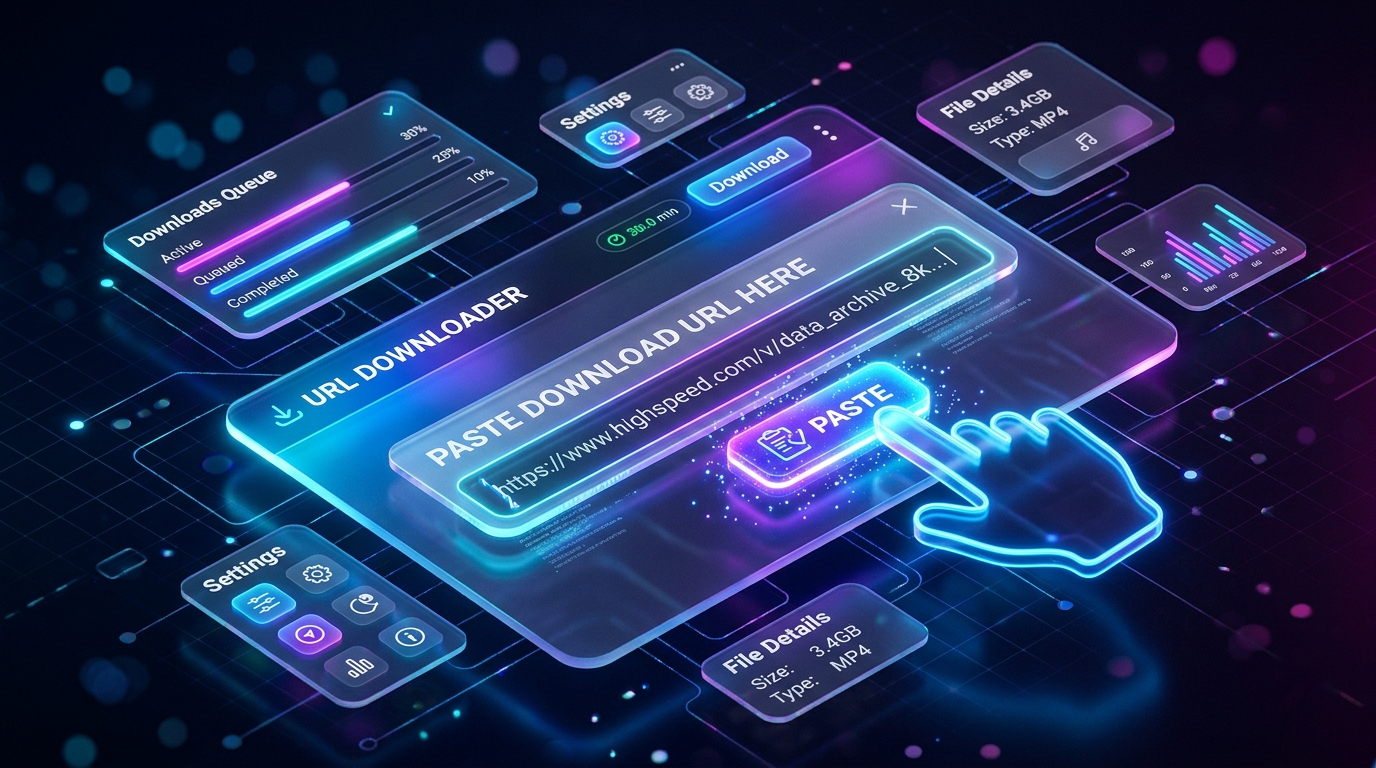
Step 2: Paste URL
Paste the link into the download bar above or tap the Paste button for instant parsing.
 3
3
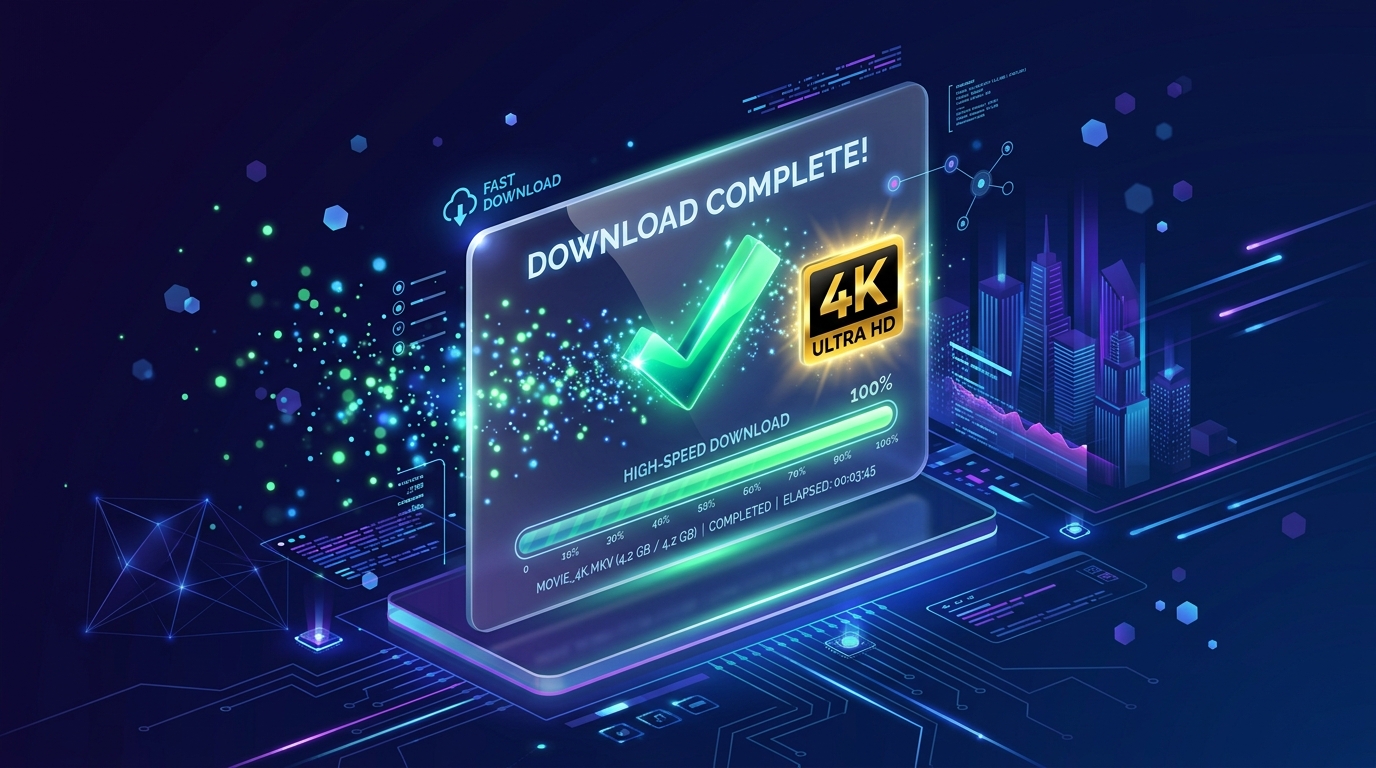
Step 3: Download HD or MP3
Click Download to save your 1080p Full HD video, 320kbps MP3 audio, or full carousel album instantly.
How to Download on Your Device
Step-by-step instructions for iPhone, Android, and Desktop PC / Mac
🍏 Downloading on iPhone & iPad (iOS Safari)
- Copy Link: Open the Instagram app on your iPhone. Tap the Share button and tap Copy Link.
- Paste in Safari: Launch Safari, navigate to igfox.app, and paste the link into the download bar above.
- Save to Photos: Tap Download. When Safari displays the download prompt, tap Download. Open Safari Downloads to save the clean 1080p MP4 or MP3 directly to your Photos Camera Roll.
Why Choose IGFox for Instagram Downloads?
Engineered for maximum speed, security, and crystal clear quality
Studio-Grade 320kbps MP3 Audio
Transcodes audio streams with FFmpeg libmp3lame at maximum 320kbps bitrate for pristine acoustic clarity.
Save Trending Reel Songs & Sounds
Extract viral background music, speech, and soundtracks from any Reel for offline listening or editing.
Interactive Waveform Player
Preview the extracted soundtrack in real-time with an interactive audio visualizer before downloading.
Zero-Disk Audio Pipeline
Streams MP3 bytes directly to your browser with sub-second latency and zero server disk caching.
Frequently Asked Questions
Questions about downloading Instagram content
How do I convert an Instagram Reel to an MP3 audio file?⌄
Copy the Instagram Reel link, paste it into IGFox above, and click Download. IGFox automatically isolates the audio track and provides a high-bitrate 320kbps MP3 download.
Can I listen to the audio before downloading?⌄
Yes! IGFox includes an interactive HTML5 audio waveform player so you can listen to the full soundtrack directly on the page.
Is the downloaded MP3 compatible with iPhone and Android music players?⌄
Yes, our MP3 files use standard ID3 tags and MPEG audio encoding compatible with Apple Music, Spotify local files, VLC, and all mobile media players.